Lior Friedler
Key insights from our webinar on monitoring and optimizing ClickHouse in production - covering part management, memory pressure, stuck mutations, schema efficiency, and query log analysis.
ClickHouse is often described as "fast by default" - and for good reason. It's remarkably easy to get started and see impressive query performance out of the box. But running ClickHouse in production at scale is a different story. Without proper monitoring and optimization practices, teams run into part explosions, memory-killed queries, stuck mutations, and bloated schemas that silently erode performance over time.
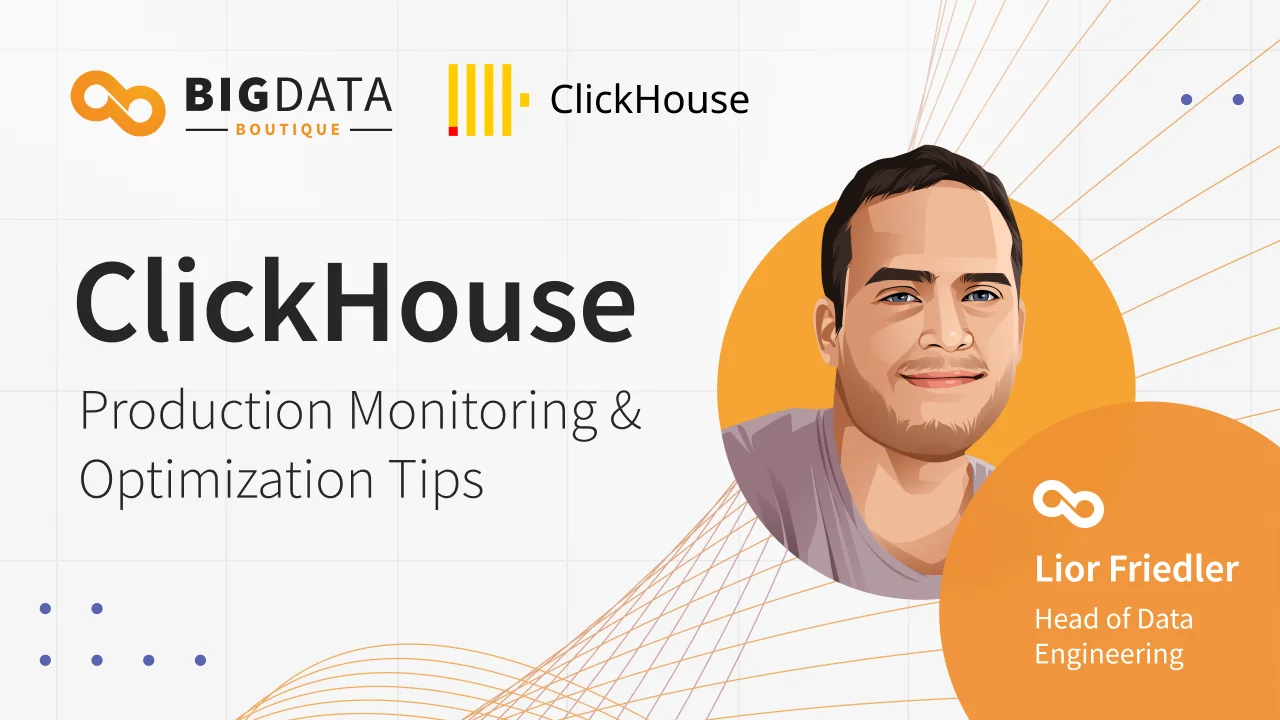
In this webinar, our lead consultant Lior Friedler walks through the top five monitoring and optimization patterns we consistently encounter when auditing ClickHouse deployments. Drawing on many years of production experience at BigData Boutique - working with Fortune 100 companies and startups alike - the session covers practical diagnostic queries you can run on your own cluster today, real-world patterns to watch for, and the fixes that actually work.
ClickHouse Is Its Own Best Monitoring Tool
One of the key themes of the session is that ClickHouse's observability story is entirely self-contained. With over 50 system tables exposing metrics, query logs, part logs, and traces - all queryable with standard SQL - you don't need complex external tooling to see what's happening in your cluster. The session walks through the most important system tables, how to query them effectively (including common pitfalls), and why system.query_log alone can tell you about 80% of what you need to know.
Understanding the bottom line, and performing root-cause analysis is admittedly a different story and where our expertise often comes handy.
The Top Five Production Patterns
The bulk of the webinar covers five critical areas that we find lacking in most ClickHouse deployments we audit:
Part count management - the most common production issue we see. The session explains how the MergeTree engine creates and merges parts, what happens when inserts outpace merges, and the workload patterns that lead to the dreaded "Too many parts" error. The fix is almost always about the workload, not the configuration.
Memory pressure from expensive queries - ClickHouse enforces memory limits and will kill queries that exceed them, which is actually healthy behavior. But frequent query kills point to specific workloads that need attention. The webinar shows how to identify the most memory-intensive query patterns and the usual culprits behind them - certain aggregation functions, high-cardinality operations, and inefficient joins.
Stuck mutations - ALTER TABLE ... UPDATE and DELETE operations that rewrite parts under the hood. We frequently see these running for hours or days, creating sustained I/O pressure. The session covers how to detect them and better alternatives for common use cases like data retention.
Schema bloat - a silent killer where suboptimal data type choices cause tables to balloon in size. These aren't micro-optimizations - the right type choices can reduce column sizes by an order of magnitude. The webinar includes diagnostic queries to audit your own tables and spot the low-hanging fruit.
Query log workload analysis - the real gold mine. The session demonstrates how to use system.query_log to build a prioritized view of your most expensive workloads, with a key insight: optimizing by total time spent (frequency times duration) rather than single-query latency reveals where effort will have the greatest impact. This same approach applies to insert workload analysis, where batching problems become immediately visible.
Signal Over Noise
A recurring theme throughout the session is the importance of signal-to-noise ratio in monitoring. Rather than building dashboards full of vanity metrics - uptime percentages, raw total counters, metrics that only create noise - the focus should be on trends, actionable alerts, and queries you can run on-demand against system tables when you need to dig deeper. Every alert that fires and gets ignored trains your team to keep ignoring alerts.
Watch the Full Session
The webinar includes live demos, ready-to-use SQL queries for each of the five areas, and a Q&A covering topics like ingestion pressure monitoring, resource allocation controls, and Prometheus-based alerting. Watch the full recording below.
At BigData Boutique, this kind of deep production analysis is the core of our ClickHouse consulting work, which we do daily across dozens of deployments. We're also building Pulse for ClickHouse - an AI-powered SRE platform that automates this monitoring, performs root cause analysis, and delivers actionable recommendations for both ClickHouse Cloud and self-managed clusters. If you're running ClickHouse at scale and want expert eyes on your deployment, or 24/7 ClickHouse support for production coverage, reach out to us.