A practical guide to the Amazon Kinesis family in 2026 - what Kinesis Data Streams, Amazon Data Firehose, and Managed Service for Apache Flink each do, and how to pick the right one for your streaming workload.
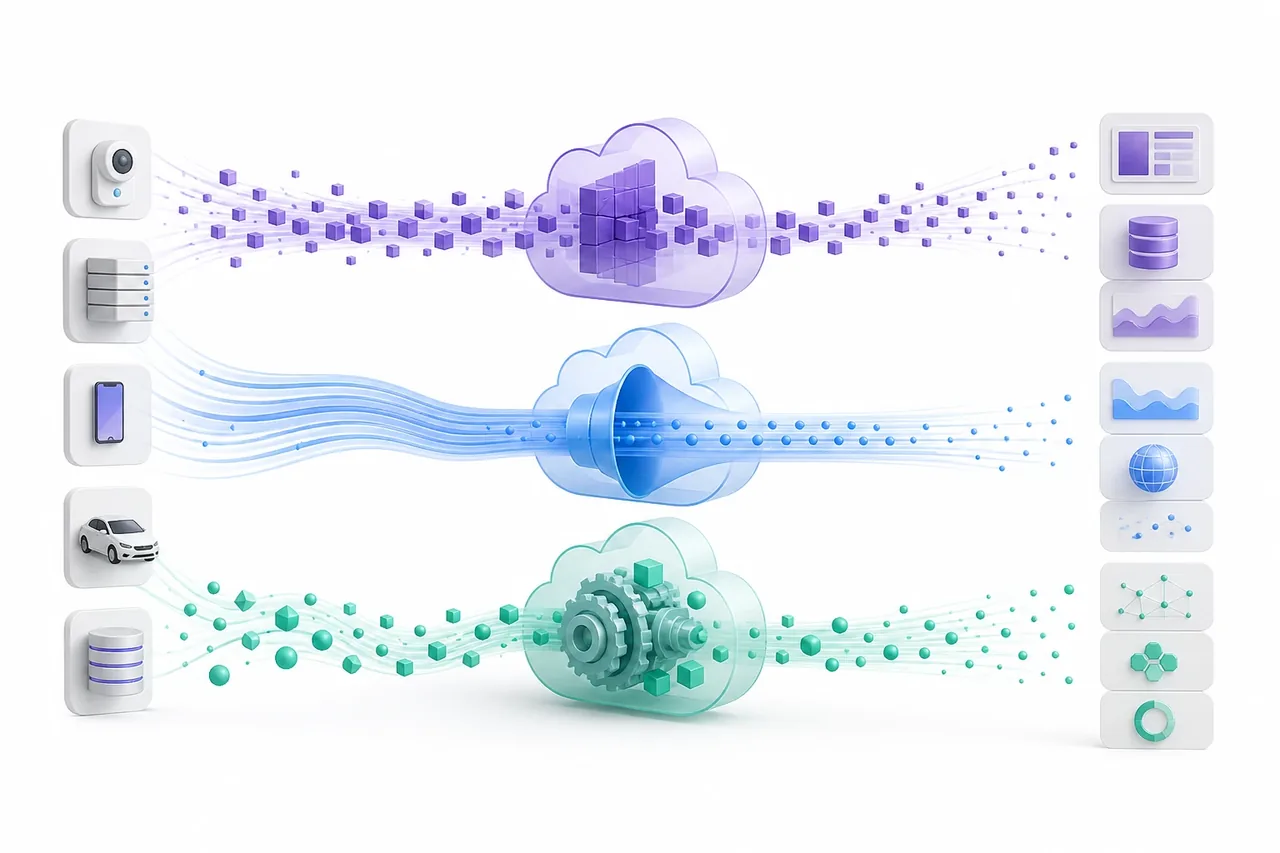
"Amazon Kinesis" is not one product. It is a family of streaming services that solve different problems, and the names have shifted enough over the past two years that even experienced AWS users get them confused. The two most common mistakes we see at client engagements: teams pick Data Streams when Firehose would have removed all the consumer code they wrote, or they reach for Firehose and then discover it cannot do the stateful aggregation they actually need.
This post maps the Kinesis family as it exists in 2026 and makes the "which service for which job" decision explicit. There are three services worth knowing: Kinesis Data Streams (a durable, replayable stream you build consumers against), Amazon Data Firehose (managed delivery into stores like S3 and OpenSearch), and Amazon Managed Service for Apache Flink (full Apache Flink for stateful stream processing). Kinesis Video Streams exists too, but it is a separate media-ingestion product and out of scope here. If you are weighing Kinesis against Kafka as a whole, that is a different decision; see our Kinesis vs Kafka comparison for that one.
The Kinesis family in 2026, and what got renamed
Two rebrands cause most of the confusion. In February 2024, AWS renamed Kinesis Data Firehose to Amazon Data Firehose - same APIs, endpoints, CLI, and CloudWatch metrics, just a new name in the console and docs (AWS announcement). Separately, Kinesis Data Analytics for Apache Flink became Amazon Managed Service for Apache Flink. The older Kinesis Data Analytics for SQL was discontinued effective January 27, 2026, with AWS pointing users to Managed Service for Apache Flink instead (AWS docs).
So when you read older blog posts referencing "Kinesis Firehose" or "Kinesis Data Analytics," translate them to the current names. The underlying behavior is mostly unchanged; the SQL variant is the one real removal.
Here is the decision spine for the rest of this article:
| Kinesis Data Streams | Amazon Data Firehose | Managed Service for Apache Flink | |
|---|---|---|---|
| Purpose | Durable, replayable stream you read with your own consumers | Managed delivery of streaming data to a destination | Stateful stream processing (aggregations, joins, windows) |
| Typical latency | Sub-second to ~200 ms with enhanced fan-out | ~60 s buffered, ~5 s with zero buffering | Sub-second to seconds, depends on the job |
| Scaling unit | Shard (provisioned) or automatic (on-demand) | Fully managed, no capacity unit to size | KPU (1 vCPU + 4 GB RAM) |
| Pricing model | Per shard-hour + PUT payload units, or per-GB on-demand | Per GB ingested (records rounded up to 5 KB) | Per KPU-hour + running storage + backups |
| Pick it when | You need replay, multiple independent consumers, or custom processing | You just need data landed in S3/Redshift/OpenSearch/Splunk/Iceberg | You need windowed aggregations, joins, or exactly-once stateful logic |
Kinesis Data Streams: shards, modes, and throughput limits
Kinesis Data Streams is a durable, ordered, replayable stream where data is partitioned across shards and retained for 24 hours by default (extendable up to 365 days). Producers write records with a partition key; that key determines which shard a record lands on, and order is preserved within a shard. Multiple consumers can read the same stream independently, which is the property that makes Data Streams useful as a fan-out backbone rather than a point-to-point pipe.
The throughput math is worth memorizing because it drives both capacity and cost. Each shard supports up to 1 MB/s or 1,000 records/s for writes, and up to 2 MB/s or 2,000 records/s for reads shared across standard consumers (AWS quotas). With many standard consumers, that 2 MB/s read ceiling becomes a contention point fast.
That is the problem enhanced fan-out solves. Each registered consumer gets its own dedicated 2 MB/s per shard pushed over an HTTP/2 connection, so consumers no longer compete for read throughput. As of late 2025, On-demand Advantage streams support up to 50 enhanced fan-out consumers; standard and provisioned modes support up to 20 (AWS). Enhanced fan-out is billed separately, so use it when read contention or latency justifies it, not by default.
There are two capacity modes:
- Provisioned - you set the shard count and resize with
UpdateShardCount, splitting and merging shards yourself or via automation. You pay per shard-hour regardless of utilization. - On-demand - capacity scales automatically with traffic. New on-demand streams start at 4 MB/s write and 8 MB/s read, scaling up to 200 MB/s write (or 10 GB/s in select Regions) as load grows. You pay per GB ingested and retrieved plus a per-stream hourly charge (AWS pricing).
Pick provisioned when traffic is steady and predictable and you want the lowest per-GB cost. Pick on-demand for spiky or unknown traffic, or to avoid the operational work of shard management - the convenience costs more per GB at high steady volume.
Amazon Data Firehose: managed delivery, not a stream
Amazon Data Firehose is a fully managed delivery service that buffers streaming data and writes it to a destination - there are no shards to size and no consumer code to maintain. This is the part people miss: Firehose is not a stream you read from, it is a pipe that lands data somewhere. If your only goal is "get these events into S3 as Parquet" or "ship these logs to OpenSearch," Firehose usually replaces a Data Streams stream plus the consumer application you would otherwise write and operate.
Supported destinations include Amazon S3, Amazon Redshift, Amazon OpenSearch Service and OpenSearch Serverless, Splunk, Apache Iceberg tables, and HTTP endpoints for partners like Datadog, New Relic, Dynatrace, Coralogix, and Elastic (AWS docs). For the OpenSearch path specifically, see our walkthrough on rolling over indices automatically with Firehose and the broader log analytics pipeline on OpenSearch Serverless.
Two mechanics matter in practice. First, buffering: Firehose accumulates records up to a buffer size (in MB) or buffer interval (in seconds), whichever comes first, then flushes. Larger buffers mean fewer, bigger objects in S3 (cheaper to query, higher latency); smaller buffers mean fresher data and more files. Zero buffering is available for near-real-time delivery, landing data within about 5 seconds for destinations like S3, OpenSearch Service, Redshift, and HTTP endpoints. Second, transformation: you can attach an AWS Lambda function to transform, filter, or enrich records inline before delivery, and Firehose can convert JSON to Parquet or ORC for S3.
Pricing follows volume, not capacity. You pay per GB ingested, with each record rounded up to the nearest 5 KB before billing (AWS pricing). The rounding has a real consequence: many tiny records cost disproportionately more than the same byte volume sent as fewer, larger records. Batch on the producer side when you can.
A common production pattern chains the two services: Data Streams as the durable, multi-consumer backbone, with Firehose registered as one consumer that archives everything to S3 or Iceberg while other consumers do real-time work off the same stream.
Managed Service for Apache Flink: stateful processing
Amazon Managed Service for Apache Flink runs full Apache Flink as a managed service, handling provisioning, parallelism, state backends, checkpointing, and automatic recovery so you write the Flink application and AWS runs the cluster. This is the service to reach for when you need windowed aggregations, stream-to-stream joins, exactly-once stateful processing, or anything that has to remember what it saw earlier. Neither Data Streams nor Firehose does any of that - they move data; Flink computes over it.
Because it is real Flink, you get the DataStream API, the Table API, and Flink SQL, plus the connector ecosystem. If you are new to the engine, our primer on what Apache Flink is covers the model, and Flink and Iceberg shows the lakehouse sink pattern.
Capacity is measured in Kinesis Processing Units (KPUs), where one KPU is 1 vCPU plus 4 GB of memory. AWS adds one extra KPU per application for orchestration, and billing is per second with a ten-minute minimum per application (AWS pricing). Sizing is empirical: AWS's own guidance is to start from roughly 1 MB/s per KPU and then load-test, because real throughput ranges from hundreds of MB/s per KPU for simple stateless jobs down to under 1 MB/s for state-heavy or ML-laden ones. You also pay for running application storage (stateful processing) and durable backups, both per GB-month.
The trade-off is operational surface area. You get the full power of Flink, but you also own the application: state size, checkpoint tuning, watermarks, and backpressure are yours to manage even though the cluster is not. If your transformation is stateless and row-by-row, a Firehose Lambda is far simpler and cheaper. For deeper operational guidance, see running Flink on Kubernetes and Flink in production monitoring - much of the application-level tuning carries over to the managed service.
Choosing the right service, with reference patterns
The decision usually collapses to three questions. Do you need to read the stream with your own logic or replay it? Use Data Streams. Do you just need data delivered to a store with at most light transformation? Use Firehose. Do you need stateful computation - windows, joins, aggregations, exactly-once? Use Managed Service for Apache Flink. These compose, so most real architectures use two of them together.
Reference patterns we deploy:
- Log and clickstream ingestion - application or agent writes directly to Firehose, which buffers and lands JSON-to-Parquet in S3 or documents into OpenSearch. No stream to manage, no consumer to run. The simplest option when delivery is the whole job.
- Multi-consumer backbone - producers write to Data Streams; several independent consumers (a real-time alerting app, a Firehose archive consumer, a Flink job) read the same data. Replay and ordering come for free.
- Streaming ETL with state - Data Streams feeds Managed Service for Apache Flink, which windows and aggregates, then writes results to Iceberg, Redshift, or back to a stream. This is the pattern when "land the raw events" is not enough.
- IoT telemetry - devices to Data Streams, a Lambda or Flink consumer for processing, output to S3/Iceberg for analytics.
One word of caution on Firehose-only designs: because Firehose does not retain data after delivery, there is no replay. If you might need to reprocess history or add a second consumer later, put Data Streams in front and attach Firehose as a consumer rather than writing to Firehose directly.
This post deliberately stays inside the Kinesis family. The separate question of Kinesis versus self-managed Kafka or Amazon MSK - TCO, ecosystem maturity, operational scope - is covered in depth in our Kinesis vs Kafka guide. For a full streaming-plus-analytics blueprint that combines Kafka, Flink, and ClickHouse, see the KFC architecture blueprint.
Key takeaways
- Three services, three jobs. Data Streams is a durable replayable stream, Amazon Data Firehose is managed delivery to a destination, and Managed Service for Apache Flink is stateful processing. Most architectures combine two of them.
- Know the names. Kinesis Data Firehose is now Amazon Data Firehose; Kinesis Data Analytics for Apache Flink is now Managed Service for Apache Flink; the SQL variant was retired in January 2026.
- Memorize the shard limits. 1 MB/s or 1,000 records/s in, 2 MB/s out per shard; enhanced fan-out gives each consumer a dedicated 2 MB/s per shard, up to 50 consumers on On-demand Advantage.
- Pick the capacity mode for your traffic shape. Provisioned for steady and cost-sensitive; on-demand for spiky or unknown.
- Firehose bills per 5 KB record. Batch small records on the producer side, and remember Firehose has no replay - front it with Data Streams if you might reprocess.
- Flink for state only. If the transformation is stateless and row-by-row, a Firehose Lambda is simpler and cheaper than a Flink KPU.
Designing a streaming pipeline on AWS and unsure where the boundaries should fall? Talk to us - we build and operate these systems for a living.